POS: Check Options - View the EBT Balance
Back Office Prerequisites
- SPPAX
Payment must be configured in under the Payment Settings page in Back Office.
- The EBT
toggle must be enabled under the SPPAX Payment configuration section in Back Office.
POS
Add the Menu Item(s) then select Option at the bottom bar.
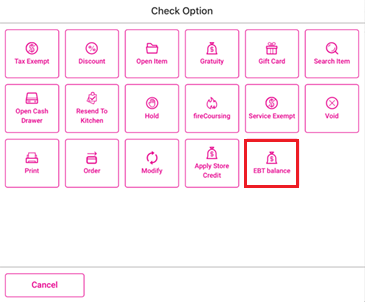
On the Check Option window that appears, select EBT balance.
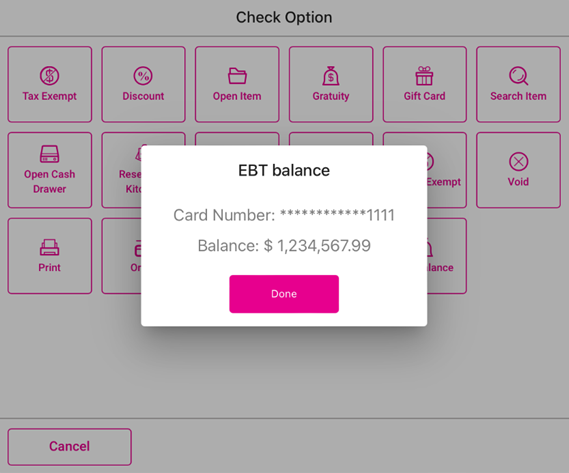
Swipe the card on the connected SPPAX device. If the SPPAX device is connected to the POS, the EBT balance window appears, containing the following information:
The Card Number appears, containing the last 4 digits of the card number and the rest of the numbers masked by asterisks (*).
The Balance in pre-set currency.
If no SPPAX device is connected to the POS, the message 'No pax device is connected to this POS' appears.