POS: Phone / Web Orders - Print Before Future Order
Back Office
Navigation: Log into BO then for your Store select Settings > Application > Delivery
On the Delivery Settings page: under the Settings tab, the Print Future Orders Before is for establishing a set Time (in Minutes) to print the Order in advance prior to needing it. Enter the number or use the arrows to increase/decrease the value.
POS
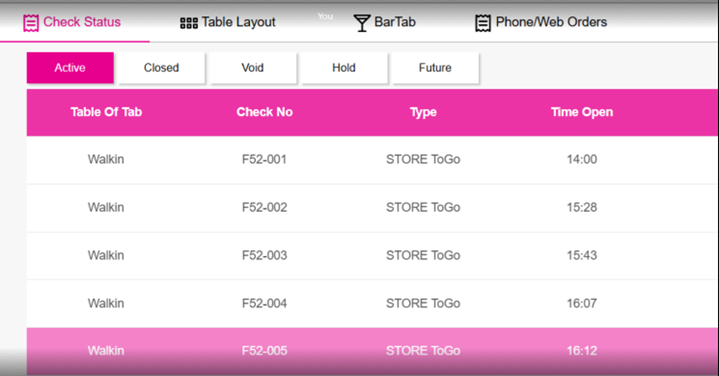
The Menu Item will be moved from the Future tab to the Active tab, based on the specified Print Future Orders Before Time in BO.
Example: If an Order for 4:20pm is placed at 4:12pm then this Order will be in the Future Order tab.
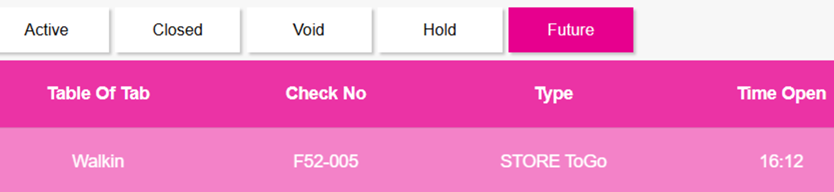
At 4:10pm, the Order will be moved to the Active order tab based on the Time set in BO.