Retail Back Office: Additional Report Settings
Navigation: Sign
into the Back Office and select a Store. On
the left-side Navigation Panel, click Settings. On the Settings page, under Reports click Additional Settings.
The Additional Settings page contains multiple toggles for fields to display on reporting.
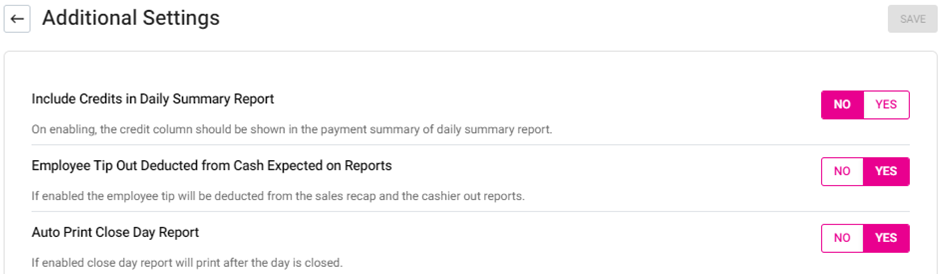
- Include Credits in Daily Summary Report – If Enabled, the Credit column will appear on the Payment Summary of the Daily Summary Report. If Disabled, it won’t appear.
- Auto Print Close Day Report – If Enabled, the Auto Print Day Report will be automatically reset at the end of the day. If Disabled, it will continue to generate reports regardless of the Close Day.
- When all toggles are set, click Save. The ‘Additional Settings Saved Successfully’ confirmation message appears.
- Once saved, be sure to sync with POS by clicking the Publish button at the top-right of the page (horizontal line atop an upward facing arrow).