Retail Back Office: Daily Tender Report
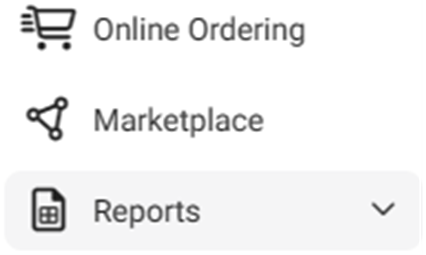
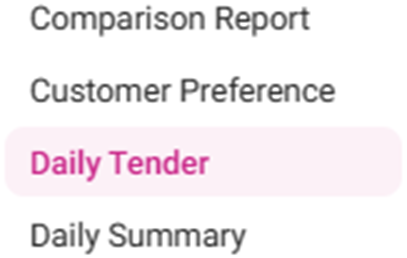
Navigation: Sign into the Back Office for your Retail Store, then select Reports > Daily Tender
Select a Time Period from the dropdown, then click Apply. The Daily Tender table is populated with the below columns:
- Date: The Date the payment was made (DD-MMM-YYYY format).
- Cash: The Total amount (in currency) paid with Cash.
- Gift Card: The amount (in currency) collected from Gift Cards.
- Loyalty: The amount (in currency) collected from Loyalty.
- Others: The amount (in currency) collected from additional types of payment.
- Net Amt: The total Net Amount (in currency) collected from all types of payment.
- Day Total: Total amount (in currency) collected from Net Amt + Tips.
- Grand Total: The bottom row of the table with sums for all currency column values.